CHECKOUT
CVA Filming Basics and Editing 101
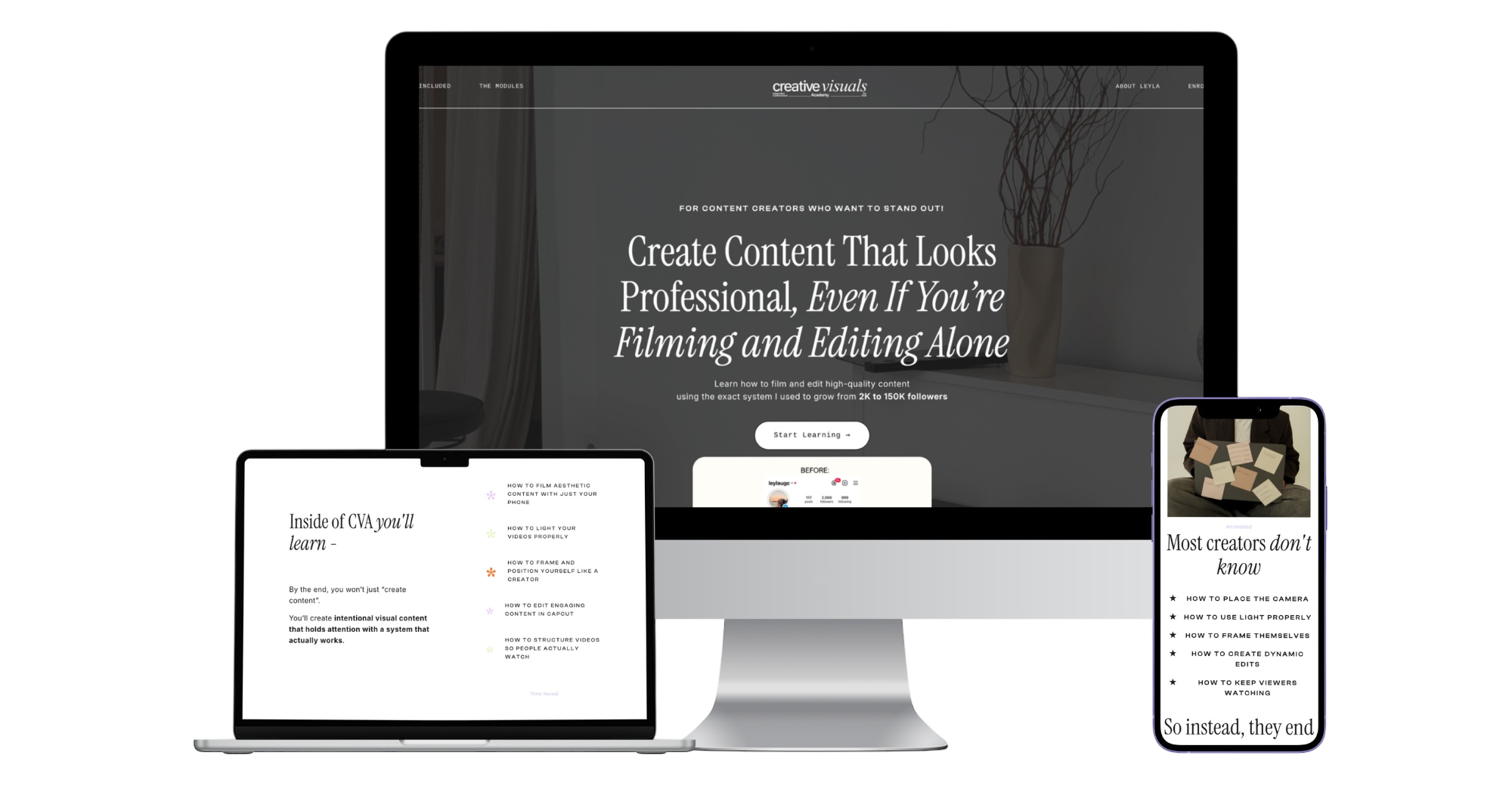
Learn how to confidently film and edit high-quality content using just your phone without overthinking, overcomplicating, or needing expensive equipment.
Inside this course, you’ll learn a step by step system to create content that looks clean, intentional, and actually stands out.
WHAT'S INCLUDED:
- Instant Access to the Full Program
- Module 1: Step-by-step filming lessons (6 Modules including 26 Videos)
- Module 2: Step by Step editing lessons (7 Modules including 23 Videos)
- Templates and Checklists to download
- A simple system you can actually stick to
- 4 hours Video Material
- Opportunity to ask me any questions
- Video task receiving individual Feedback
- Link to all Tutorial and Angle Videos in one place
Creative Visuals Academy - Filming Basics
-
Filming Foundations
2 lessons- Video 1: Filming Basics (Introduction)
- Video 2: Filming alone without feeling Awkward
-
Camera Setup and Core Concepts
4 lessons- Video 3: Phone Camera Settings
- Video 4: A-Roll vs B-Roll
- Video 5: Vertical Framing and Safe Zones
- Video 6: Selfie vs Back Camera
-
Lighting Mastery
4 lessons- Video 7: Natural Light
- Video 8: Artificial Light
- Video 9: Filming Outdoors and in Public
- Video 10: Lighting for Products and UGC
-
Gear and Equipment
4 lessons- Video 11: Phone vs Camera
- Video 12: Choosing the Right Camera
- Video 13: Tripods, Mounts and Stabilizers
- Video 14: Microphones and Audio Tips
-
Composition and Filming Techniques
4 lessons- Video 15: Composition and Body Angles
- Video 16: Shot Types and Angle Variation
- Video 17: Movement and Dynamics
- Video 18: Using Props, Environment and Styling
-
Workflow and Content Planning
4 lessons- Video 19: Filming Workflow
- Video 20: Planning and Storyboarding
- Video 21: Batch Filming and Weekly Planning
- Video 22: Using AI for Filming
-
Outro and Action Step
1 lesson- Video 23: Outro and Task
-
Example B roll Videos
14 lessons- How to film B roll Part 1
- How to film B-Roll part 2
- How to film B-Roll part 3
- How to film B-Roll part 4
- How to film B-Roll part 5
- How to film B-Roll part 6
- How to film B-Roll part 7
- How to film B-Roll part 8
- Camera Angles
- Camera Angles
- Setup vs Shot 1
- Setup vs Shot 2
- Setup vs Shot 3
- Setup vs Shot 4
Creative Visuals Academy - Editing 101
-
Editing Foundations
4 lessons- Video 1: Introduction
- Video 2: Choosing the Right Editing Platform
- Video 3: Capcut Interface Explained
- Video 4: Timeline, Layers, Basic Cuts
-
Visual editing Tools
4 lessons- Video 5: Masking, Overlays and Movement
- Video 6: Text and Captions (Manual Design)
- Video 7: Auto Captions (Speed and Smart Usage)
- Video 8: Color Grading Basics
-
Audio and Retention Editing
3 lessons- Video 9: Sound Design
- Video 10: Rhythm Editing and Retention Patterns
- Video 11: Auto Beat Sync (When It Works and When It Makes You Look Basic)
-
Advanced Editing Techniques
8 lessons- Video 12: Natural Transitions
- Video 13: Templates (The Harsh Truth)
- Video 14: Using Keyframes
- Video 15: Overlays That Make Your Video Look Professional
- Video 16: Background Removal and Chroma Key
- Video 17: Masking Tools
- Video 18: Debug Checklist and Editing Style
- Video 19: Export Settings and Aspect Ratios
-
Professional Editing System
6 lessons- Video 20: Editing for Hooks
- Video 21: Project Organization and Editing Speed Workflow
- Video 22: Editing for Tiktoks vs Reels vs Youtube Shorts
- Video 23: Turning 1 Video into 5 Pieces of Content
- Video 24: The Power of Carousels
- Video 25: Using Trends
-
Outro and implementation
1 lesson- Video 26: Outro and Task
-
Past Tutorials
37 lessons- Drawing on your Videos
- Cut out Trend with Borders Tutorial
- Floating Makeup Transition
- Flying Spinning Object Tutorial
- Digital Camera Effect
- Claw Machine Effect
- Clothing Transition tutorial
- Emoji Effect
- Circular writing on your images Tutorial
- Floating and Catch Transition
- Pac Man Edit
- Calender Edit
- Calling Effect
- Creative Clone Effect
- Film Matt/ Cinematic Grid Tutorial
- Drink Pouring Effect Tutorial
- Alphabet Collage for Text Caption using Canva
- Pop In Effect
- Headphone Sound Effect
- Scroll Through Feed Effect
- Hand Effect Tutorial
- Hand Cutout Effect
- Walk in front of Text Tutorial
- Tagging Icon Tutorial
- Collage Tutorial
- Outfit Shopping Bag Tutorial
- Airport Luggage Tray Tutorial
- Floating Items 3D Illusion Tutorial
- Pop out effect Tutorial
- Clickable Reel Trend Tutorial
- Creative Collage Carousel Tutorial
- Looping a Video Tutorial
- Collage Feather Tutorial
- Caligraphr Creating your own Font Tutorial
- Font Outline Effect Tutorial
- Canva Editable Overlay Tutorial
- Swiping and Catching a Product Tutorial
WHAT HAPPENS AFTER PURCHASE:
✓ You'll receive an email from us so you can dive in right away!